

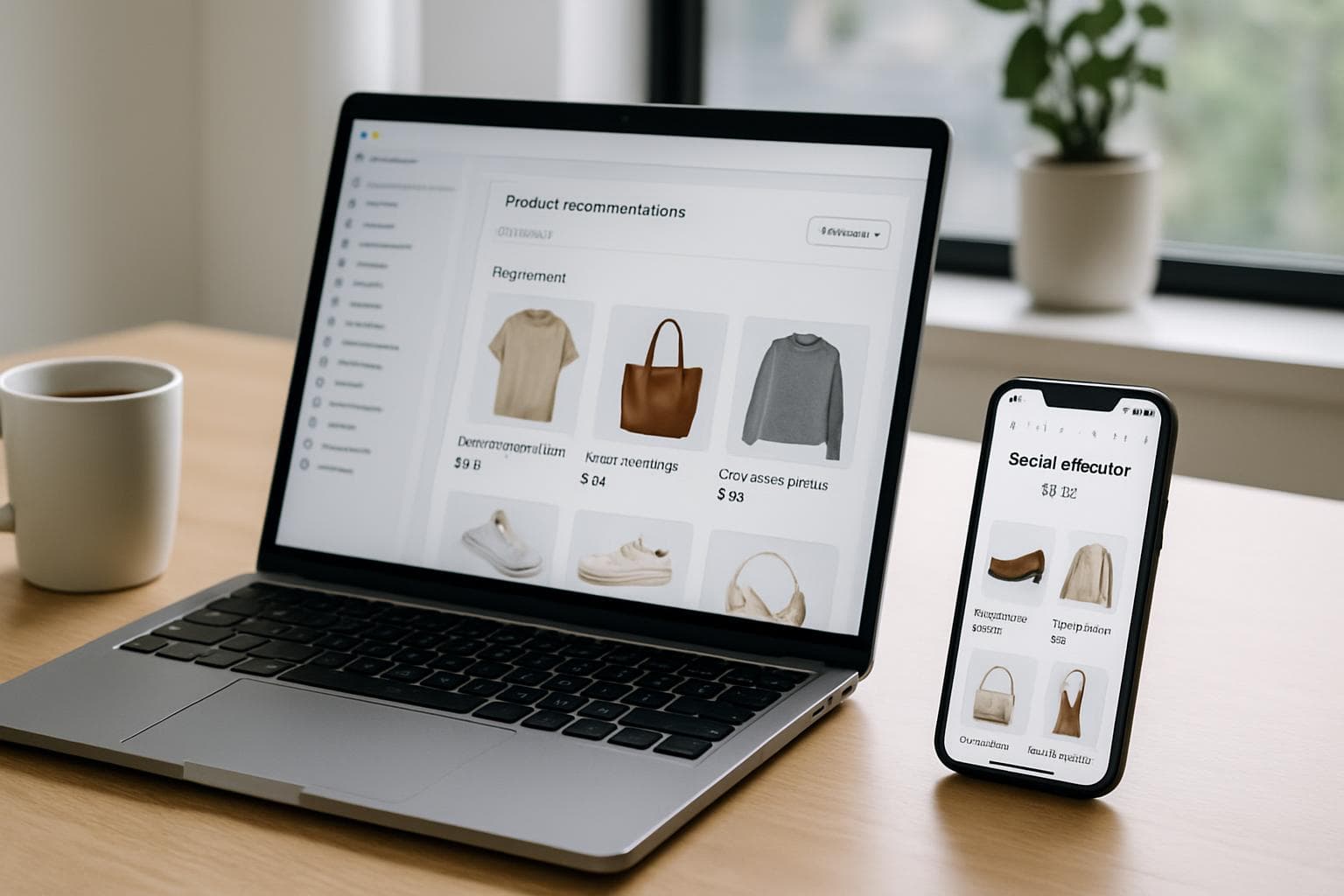
Introduction — Why AI Matters for Shopify Stores in 2026
AI is no longer a novelty: by 2026, small and mid-size Shopify stores can access powerful, affordable AI tools that were once available only to enterprise teams. The right AI stack helps you move faster, personalize at scale, reduce friction in checkout flows, and make better marketing decisions backed by data.
This article focuses on practical, low-friction ways to use AI to increase conversions, recover abandoned carts, automate customer support, improve product pages and email marketing, predict customer behavior, and increase average order value (AOV). Each section includes actionable steps and examples you can implement without rebuilding your store.
Focus on measurable wins: conversion rate, AOV, recovery rate, and CLV
Use privacy-respecting AI and follow Shopify and regional rules on customer data
Start small: test one AI use case, measure, then scale
1. Personalize the Shopping Experience with On-Site AI
Personalization is a top driver of conversion. AI can tailor product feeds, banners, and search results to each visitor using behavior signals (clicks, searches, time on page) and first-party data.
Practical implementations include product recommendations, personalized homepages, and adaptive search ranking. Tools integrate via Shopify apps or the storefront API and can be set up in days.
Use real-time product recommendations on key pages: product page (“Customers also bought”), cart page (“You may like”), and homepage (“Recommended for you”).
Implement AI-powered site search that learns from queries and boosts relevant items automatically.
Test personalization segments: new visitors, returning customers, high-intent visitors (added to cart), and VIP shoppers.
Actionable Example: Personalization in 7 Steps
1) Install a reputable Shopify personalization app (look for apps with on-site recommendations, A/B testing, and anonymized analytics).
2) Connect product catalog and enable real-time events (view, add-to-cart, purchase).
3) Create three personalized zones: homepage, PDP recommendation rail, and cart upsell.
4) Define segments (e.g., new vs returning); set personalized rules and fallback defaults.
5) Run A/B tests for 2–4 weeks comparing default site vs AI-personalized pages.
6) Measure conversion lift, click-through rate on recommendations, and revenue per session.
7) Iterate on placement, creative, and recommendation algorithms.
KPIs: add-to-cart rate, product recommendation CTR, revenue per session
Common tools: Shopify Apps for personalization, or headless solutions using API-first vendors
2. Recover Abandoned Carts with AI-Powered Automation
Cart abandonment is a persistent revenue leak. AI can improve recovery with personalized messages, optimal timing, and multi-channel flows (email, SMS, push). Using predictive scoring, AI identifies high-value abandoners and tailors the offer.
Rather than blanket discounting, use AI to determine whether to send a reminder, an incentive, or a product suggestion based on predicted purchase likelihood and lifetime value.
Set up multi-step workflows: immediate reminder (1 hour), follow-up with social proof (24 hours), targeted discount for high-value carts (48–72 hours).
Use AI to test incentive amounts: many tools dynamically adjust coupons based on predicted sensitivity to discounts.
Include dynamic content: show the exact items left in the cart and personalized product recommendations.
Practical Example: Smart Cart Recovery Flow
1) Tag carts with a machine-learned score (high/medium/low propensity to convert).
2) High-propensity: send a friendly reminder + one-click checkout link within 1 hour.
3) Medium-propensity: show social proof + a small free shipping offer after 24 hours.
4) Low-propensity: retarget with relevant product content and collect feedback instead of discounting.
5) Track recovery rate, incremental revenue, and coupon redemption to avoid margin erosion.
Tools to consider: email + automation platforms with predictive scoring, SMS providers with segmentation, Shopify Flow combined with apps
3. Automate Customer Support and Guided Selling with AI Chatbots
AI chatbots can handle common questions 24/7, guide shoppers through fit and product discovery, and pre-qualify leads for human agents. Advanced bots can pull live product availability and handle order lookups through Shopify APIs.
Use conversational AI to reduce response times and increase conversions by helping uncertain shoppers complete purchases.
Start with a hybrid model: bot handles FAQs and returns/order status; route complex queries to humans.
Create guided selling flows: ask a few preference questions and recommend products with links to PDPs.
Integrate the chatbot with Shopify to check stock, apply discount codes, and create draft orders for assisted checkouts.
Implementation Tips for Chatbots
1) Map the top 20 customer questions from your support tickets and teach the bot those responses first.
2) Provide the bot with product metadata (size, color, materials) so recommendations are accurate.
3) Monitor conversations and use feedback loops to retrain intents every 2–4 weeks.
4) Measure containment rate (how many queries the bot resolves) and conversion lift from bot-driven sessions.
KPIs: first response time, containment rate, chat-to-order conversion rate
Best practice: always include a clear human fallback and a brief human handover summary
4. Optimize Product Pages with AI-Driven Copy, Images, and SEO
Product pages are high-impact areas for conversion. AI helps create better titles, bullet points, alt text, and image suggestions. Generative models can write benefit-focused copy and meta descriptions tuned to your target keywords.
Use image enhancement AI to create consistent product shots, remove backgrounds, or generate lifestyle images for specific segments. But always maintain authenticity—don’t misrepresent products.
Use AI to generate headline variations and run multivariate tests to see which copy drives purchases.
Automatically create keyword-rich but natural meta descriptions and structured data (JSON-LD) to improve search visibility.
Generate multiple image crops for mobile and desktop, and A/B test hero images to find which converts best.
5. Improve Email Marketing with AI-Powered Segmentation and Creative
AI helps move beyond simple lists to dynamic segmentation based on behavior, predicted lifetime value, and predicted next purchase. It also personalizes subject lines, preview text, and email content for higher open and click rates.
Automate send-time optimization and frequency capping so messages arrive when individual customers are most receptive.
Create predictive segments: likely-to-churn, repeat-buyer candidates, and resupply windows for consumables.
Use AI to write subject line variants and test winners automatically.
Personalize product blocks inside emails based on recent browsing and purchase history.
Example Email Flow with AI Enhancements
1) New customer welcome sequence personalized by first category browsed.
2) Post-purchase emails with AI-driven cross-sell recommendations timed to likely re-buy windows.
3) Re-engagement emails using subject lines and offers tuned by predicted responsiveness.
4) Use send-time optimization to schedule each message at the hour that maximizes opens for that recipient.
KPIs: open rate lift, click-to-order rate, revenue-per-email, unsubscribe rate
6. Predict Customer Behavior and Use It to Prioritize Resources
Predictive analytics helps you identify high-LTV customers, forecast demand, and detect churn early. These models let you allocate marketing spend where it will produce the best ROI.
Apply predictive scores to personalize offers, decide who receives discounts, and determine which products to restock.
Use CLV models to create VIP segments and increase retention with exclusive offers.
Forecast product demand to reduce stockouts using AI-powered inventory predictions.
Detect churn signals and trigger win-back sequences before customers disappear.
7. Increase Average Order Value with Dynamic Bundles and Upsells
AI can recommend complementary products, create dynamic bundles, and surface upgrades at the right moment. Instead of static 'Frequently bought together' blocks, use models that consider current cart, seasonality, and margins.
Dynamic offers should preserve margin: use AI to propose bundles that increase AOV while keeping profitability targets in check.
Offer AI-curated bundles on PDP and cart pages that consider inventory levels and margins.
Use real-time incentives for high-margin upgrades (e.g., expedited shipping, extended warranties) for visitors likely to accept.
Test one-click upsells in the post-purchase phase using data-driven recommendations.
Analytics, Measurement, and Privacy Best Practices
Track the impact of AI projects with clear KPIs before you start. Use experiments (A/B or holdout groups) to prove lift. Monitor business metrics (revenue per visitor, AOV, recovery rate) and not just engagement metrics.
Respect privacy: use first-party data, get consent for tracking where required, and anonymize data when training models. Follow Shopify’s data guidelines and local regulations (GDPR, CCPA, etc.).
Define control and test cohorts for every AI change.
Measure incremental revenue and margin impact, not just clicks.
Document data sources, retention windows, and opt-out mechanisms.
Frequently Asked Questions (FAQs)
Q: Do I need a developer to add AI to my Shopify store? A: Many AI-powered Shopify apps work out of the box and require minimal configuration. For advanced integrations (headless personalization, custom models), a developer is helpful.
Q: Will AI replace my customer support team? A: No — AI should handle repetitive tasks and increase agent efficiency. Use a hybrid model so humans handle complex, high-value interactions.
Q: How much does it cost to add AI? A: Costs vary. Some apps run on monthly subscriptions plus usage fees; predictive analytics or large-scale personalization may cost more. Start with a high-impact, low-cost pilot.
Tip: run a 30–60 day pilot with clear success criteria before committing to large spend.
Recommended Tools and Integrations (Examples)
Select tools that integrate with Shopify and provide measurable lift. Examples of categories and what to look for:
Personalization apps: on-site recommendations, A/B testing, real-time events. Cart recovery: multi-channel automation with predictive scoring. Chatbots: Shopify API access, order lookups, human handoff. Email: predictive segmentation, send-time optimization. Analytics: CLV modeling, demand forecasting.
Look for apps that expose SDKs or webhooks so you can capture events.
Prioritize vendors with clear data policies and built-in experimentation.
Combine multiple point solutions carefully; avoid fragmented data by centralizing events in a CDP or data warehouse.